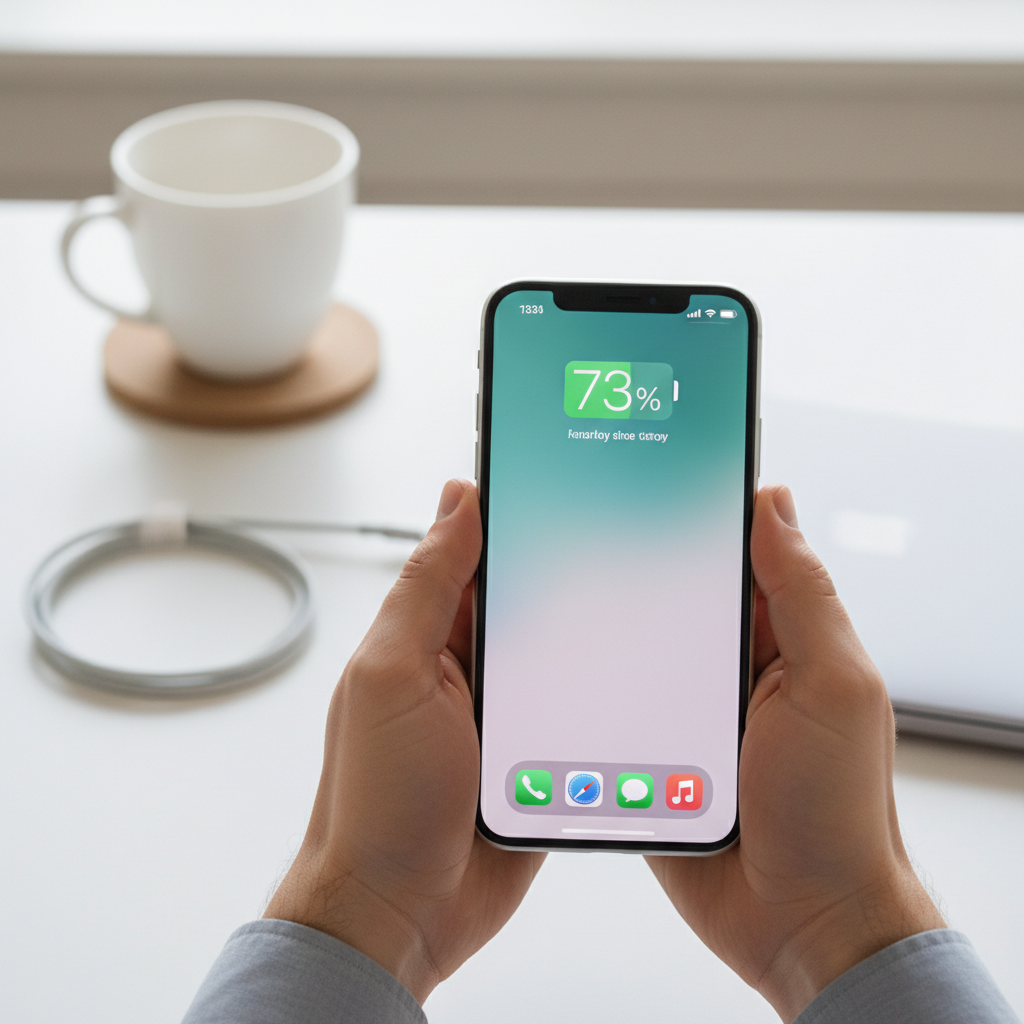
Few things are as frustrating as reaching for your favorite speaker, ready to fill your space with music, only to be met with silence. A speaker that refuses to power on can halt your plans in an instant, leaving you wondering if it’s truly broken or just needs a little attention. Before you give up on your beloved audio device, understanding the common culprits behind a dead speaker and knowing how to systematically troubleshoot can save you time, money, and your sanity.
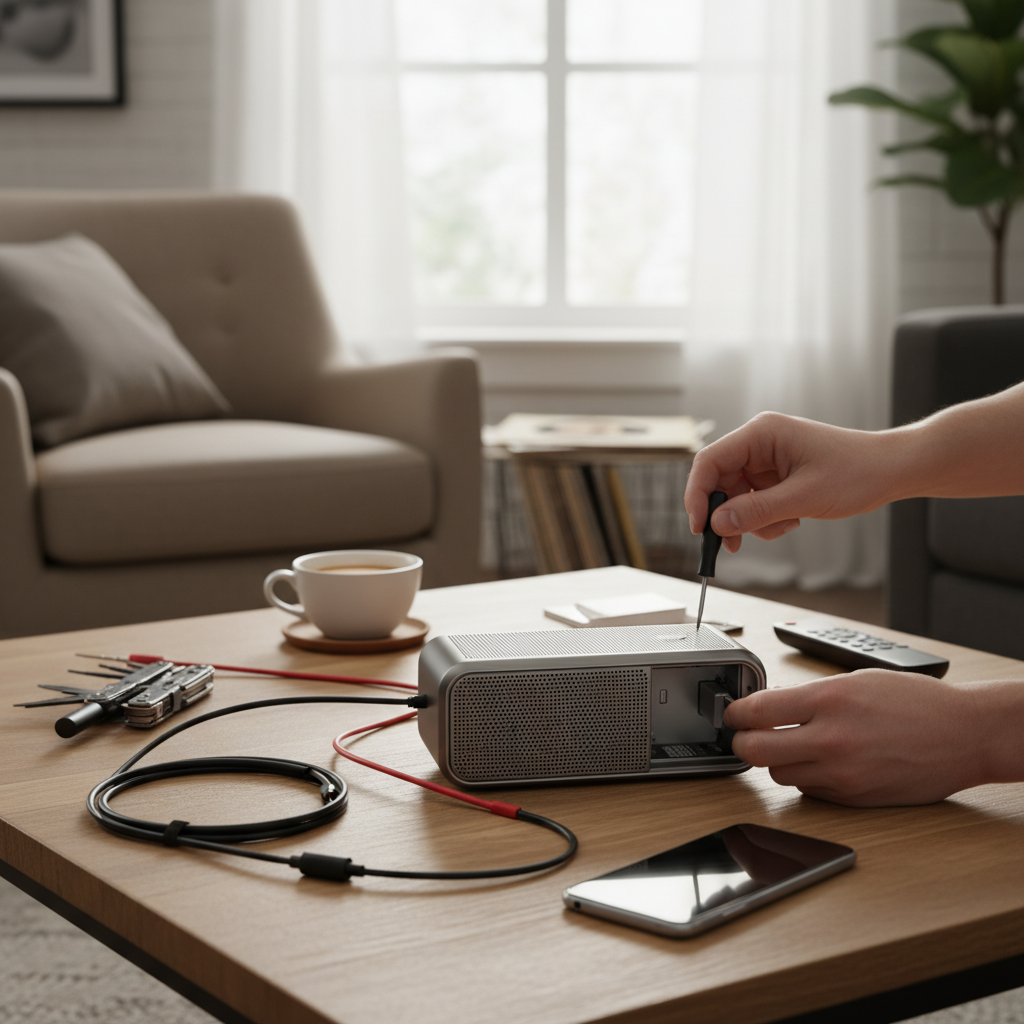
This guide will walk you through the essential steps to diagnose and potentially fix a speaker that won’t turn on, covering everything from simple charging issues to more complex internal problems. With a bit of patience and the right approach, you might just bring your speaker back to life.
Understanding Your Speaker’s Power Problem
Speakers come in various forms, from portable Bluetooth models to larger, wired setups. While the specifics may differ, the core principle of powering on remains the same: a steady supply of energy is required. For most modern speakers, especially portable ones, this means a functional battery or a reliable connection to an external power source. Identifying whether the issue stems from power delivery, internal hardware, or a software hiccup is the first crucial step in resolving the problem. A systematic approach helps narrow down the possibilities, preventing a wild goose chase.
Common Reasons Your Speaker Won’t Turn On
Several factors can prevent your speaker from powering up. Understanding these common causes will help you approach the troubleshooting process more effectively.
Power Source and Charging Issues
The most frequent reason a speaker won’t turn on is related to its power supply.
- Dead or Depleted Battery: For battery-powered speakers, a completely drained battery is often the simplest explanation. If it hasn’t been charged in a while, it might just need a good boost.
- Faulty Charging Cable or Adapter: A damaged or non-functional charging cable or power adapter can prevent your speaker from receiving the necessary power to charge its battery or operate directly. Frayed wires, bent pins, or internal breaks can all interrupt the power flow.
- Damaged Charging Port: The charging port on your speaker can accumulate dust, debris, or suffer physical damage over time. A compromised port might prevent the charging cable from making a proper connection.
- Problematic Power Outlet: Sometimes, the issue isn’t with the speaker or its accessories, but with the power source itself. A dead wall outlet or a malfunctioning USB port can prevent charging.
- Internal Battery Degradation or Failure: Over time, rechargeable batteries lose their capacity and can eventually fail entirely. An old, degraded battery might no longer hold a charge or even accept one.
|
Our Picks for the Best Bluetooth speaker in 2026
As an Amazon Associate I earn from qualifying purchases.
|
||
| Num | Product | Action |
|---|---|---|
| 1 | Monster S620 Bluetooth Speaker, Wireless Portable Outdoor Bluetooth Speakers, 60W True Wireless Stereo IPX8 Waterproof, Dual PairingBluetooth 5.4 Built-in Mic, Perfect for Home, Blue |

|
| 2 | Portable Bluetooth Speaker, IPX7 Waterproof Wireless Speaker with 20W Loud Stereo Sound, 15H Playtime & Beat-Synced RGB Light, Small Outdoor Speaker for Shower, Pool, Beach, Hiking and Gifts |
|
| 3 | JBL Charge 6 - Portable Waterproof & Drop-Proof Bluetooth Speaker, Bold JBL Pro Sound with AI Sound Boost, 28Hrs of Playtime, Built-in powerbank & Comes with a Sturdy/Removable Carrying Strap (Black) |
|
| 4 | Soundcore Boom 2 By Anker, Outdoor Speaker, 80W, Subwoofer, BassUp 2.0, 24H Playtime, IPX7 Waterproof, Floatable, RGB Lights, USB-C, Custom EQ, Bluetooth 5.3, Portable for Camping and Beach - Black |
|
| 5 | Bose SoundLink Flex Bluetooth Speaker (2nd Gen) - Portable Outdoor Speaker with Hi-Fi Audio, Waterproof and Dustproof, USB-C, Up to 12 Hours Battery Life, Twilight Blue - Limited Edition Color |
|
| 6 | JBL FLIP 5, Waterproof Portable Bluetooth Speaker, Black, Small |
|
| 7 | BolaButty Bluetooth Speaker with HD Sound, Portable Wireless, IPX5 Waterproof, Up to 20H Playtime, TWS Pairing, BT5.3, for Home/Party/Outdoor/Beach, Electronic Gadgets, Birthday Gift (Black) |
|
| 8 | JBL Go 3 - Portable Mini Bluetooth Speaker, big audio and punchy bass, IP67 waterproof and dustproof, 5 hours of playtime, speaker for home, outdoor and travel (Black) |
|
| 9 | Anker Soundcore 2 Portable Bluetooth Speaker, 12W Stereo Sound with Deep Bass, IPX7 Waterproof, 24-Hour Playtime, Built-in Mic, for Home, Outdoors & Travel |
|
| 10 | JBL Go 4 - Ultra-Portable, Waterproof and Dustproof Bluetooth Speaker, Big JBL Pro Sound with Punchy bass, 7-Hour Built-in Battery, Made in Part with Recycled Materials (Blue) |
|
Physical Damage and Internal Malfunctions
Beyond power issues, physical damage can also render a speaker inoperable.
- Impact Damage: Dropping a speaker can dislodge internal components, break circuit board connections, or damage the power button itself.
- Water Damage: Exposure to liquids can short-circuit electronic components, leading to complete power failure. Even a small amount of moisture can cause significant internal corrosion.
- Loose Internal Connections: Manufacturing defects or prolonged vibrations can cause internal wires or components to become loose, interrupting the speaker’s power path.
Software Glitches and Firmware Issues
Even though a speaker might seem like a purely hardware device, many modern speakers incorporate complex software and firmware.
- Temporary Software Bugs: Like any electronic device, speakers can experience occasional software glitches that cause them to freeze or prevent them from turning on properly.
- Firmware Corruption: More serious issues can arise from corrupted firmware, which is the permanent software programmed into the speaker’s hardware. This can happen during updates or due to other system errors.
Step-by-Step Fixes for a Speaker That Won’t Power On
When your speaker plays dead, follow these troubleshooting steps to diagnose and resolve the issue.
1. Check the Power Source and Charging Components
This is the most common starting point, as power-related problems are often the easiest to fix.
- Charge Your Speaker: Connect your speaker to its charger and a known-working power outlet. Look for a charging indicator light (often red or amber) to confirm it’s receiving power. Allow it to charge for at least 30 minutes, or even a few hours, before attempting to turn it on. A completely drained battery sometimes needs extended charging time before the device can power up.
- Inspect Charger and Cable: Carefully examine your charging cable and power adapter for any signs of damage, such as bends, fraying, or unusual odors. Try using a different, compatible charging cable and adapter. This helps rule out a faulty accessory as the cause.
- Test the Power Outlet: Plug another electronic device into the wall outlet or USB port you’re using for your speaker to ensure it’s functional. If the outlet is dead, try a different one.
- Examine the Charging Port: Use a flashlight to inspect the charging port on your speaker for any debris, dust, or bent pins. Gently clean out any obstructions using a dry, soft brush or a can of compressed air. Be very careful not to damage the internal contacts.
2. Perform a Soft Reset or Factory Reset
If power and charging components seem fine, a software glitch might be the culprit. A reset can often clear temporary bugs.
- Why Resetting Helps: A soft reset (simply turning it off and on, or holding the power button) can resolve minor software hiccups. A factory reset, which returns the speaker to its original settings, is a more drastic step but can fix deeper firmware issues.
- How to Reset: The reset procedure varies by speaker model and brand.
- Soft Reset: Press and hold the power button for 10-15 seconds. Release it, then try powering on normally.
- Factory Reset: Many speakers have a specific button combination (e.g., power button + volume down, or a small pinhole reset button) that you press and hold for several seconds. Consult your speaker’s manual for precise instructions. Look for a dedicated reset button or a specific combination of buttons on the speaker. Manufacturers often provide a designated button or a button combination specifically for resetting the speaker.
3. Check for Physical Damage
If your speaker has been dropped or exposed to elements, physical damage could be preventing it from turning on.
- Visible Damage: Inspect the speaker’s exterior for any cracks, dents, or signs of impact, especially around the power button or charging port.
- Water Exposure: Look for any evidence of liquid exposure, such as water stains, corrosion, or unusual odors. If you suspect water damage, do not attempt to turn on or charge the speaker, as this could cause further damage.
4. Troubleshoot Battery-Related Problems
For older or heavily used portable speakers, the internal battery might be at the end of its life.
- Battery Health: Rechargeable batteries naturally degrade over time, losing their ability to hold a charge. If your speaker is several years old and has been used frequently, a worn-out battery is a strong possibility.
- Advanced Checks: While not recommended for the average user, technicians might use a voltmeter to check the battery’s voltage directly. If the voltage is too low, the charging board might refuse to charge it to prevent damage to the lithium battery. In some speakers, the battery might be replaceable, but this usually requires technical expertise.
5. Consider Professional Repair
If you’ve exhausted all troubleshooting steps and your speaker still won’t turn on, it might be time to seek professional help.
- When to Seek Expert Help: Internal damage, complex circuit board issues, or a permanently failed battery often require specialized tools and knowledge to repair. If your speaker is valuable or relatively new, a professional repair might be a worthwhile investment. Repair services have experts who have seen it all and can fix most issues.
When to Replace Your Speaker
Sometimes, replacing a speaker is more practical and cost-effective than repairing it.
- Cost of Repair vs. Replacement: If the repair cost approaches or exceeds the price of a new speaker, especially for entry-level or mid-range models, replacement is often the better option.
- Age of the Speaker: Very old speakers may not be worth repairing, as their technology might be outdated, and compatible parts could be hard to find.
- Persistent Issues: If your speaker has a history of recurring problems, it might be a sign that it’s nearing the end of its lifespan.
Conclusion
A speaker that refuses to power on can be a challenging problem, but with a methodical approach, you can often identify and resolve the issue yourself. Start with the simplest checks: verify the charging components, ensure your speaker is adequately charged, and perform a soft reset. If these steps don’t work, gradually move on to more in-depth investigations, such as checking for physical damage or considering a factory reset. Remember, patience is key, and if all else fails, a professional repair or replacement might be your best course of action. What steps will you take first to bring your speaker back to life?
Frequently Asked Questions
Why is my JBL speaker not turning on?
JBL speakers commonly face power issues due to a dead battery, a faulty charging cable or adapter, or a damaged charging port. Software glitches or physical damage can also prevent them from powering on. Try charging it with a different cable and adapter, or perform a reset according to the JBL manual.
How do I know if my speaker battery is dead?
If your speaker won’t turn on even after extended charging and using a known-working charger, it’s a strong indicator of a dead or severely degraded battery. Some speakers might show no charging light, or the light might flicker if the battery is completely unable to hold a charge.
Can a speaker be fixed if it won’t turn on?
Many power-on issues can be fixed, especially those related to charging accessories, power outlets, or software glitches. More complex problems like internal component damage or a completely failed battery might require professional repair or even replacement of the speaker.
What is a soft reset versus a factory reset for a speaker?
A soft reset typically involves simply holding the power button to fully cycle the device’s power, clearing minor software bugs without losing settings. A factory reset, on the other hand, restores the speaker to its original default settings, potentially resolving deeper firmware issues but erasing custom settings and paired device information.