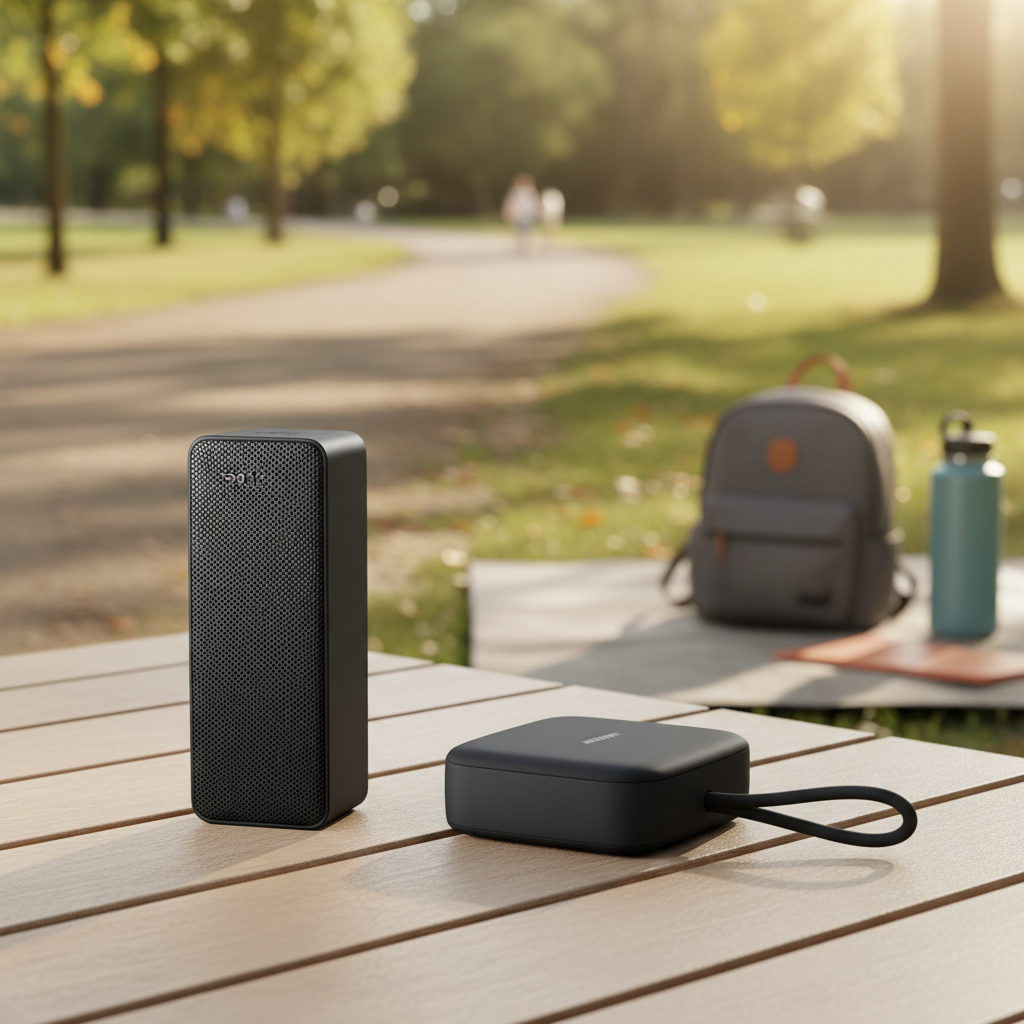
There’s a distinct joy in immersing yourself in rich, dynamic sound, whether it’s your favorite playlist, a gripping podcast, or an epic movie soundtrack. While a single speaker can deliver decent audio, connecting two speakers together unlocks a whole new dimension of listening. It transforms your sound experience from flat to expansive, providing greater depth, volume, and clarity that truly fills any space.
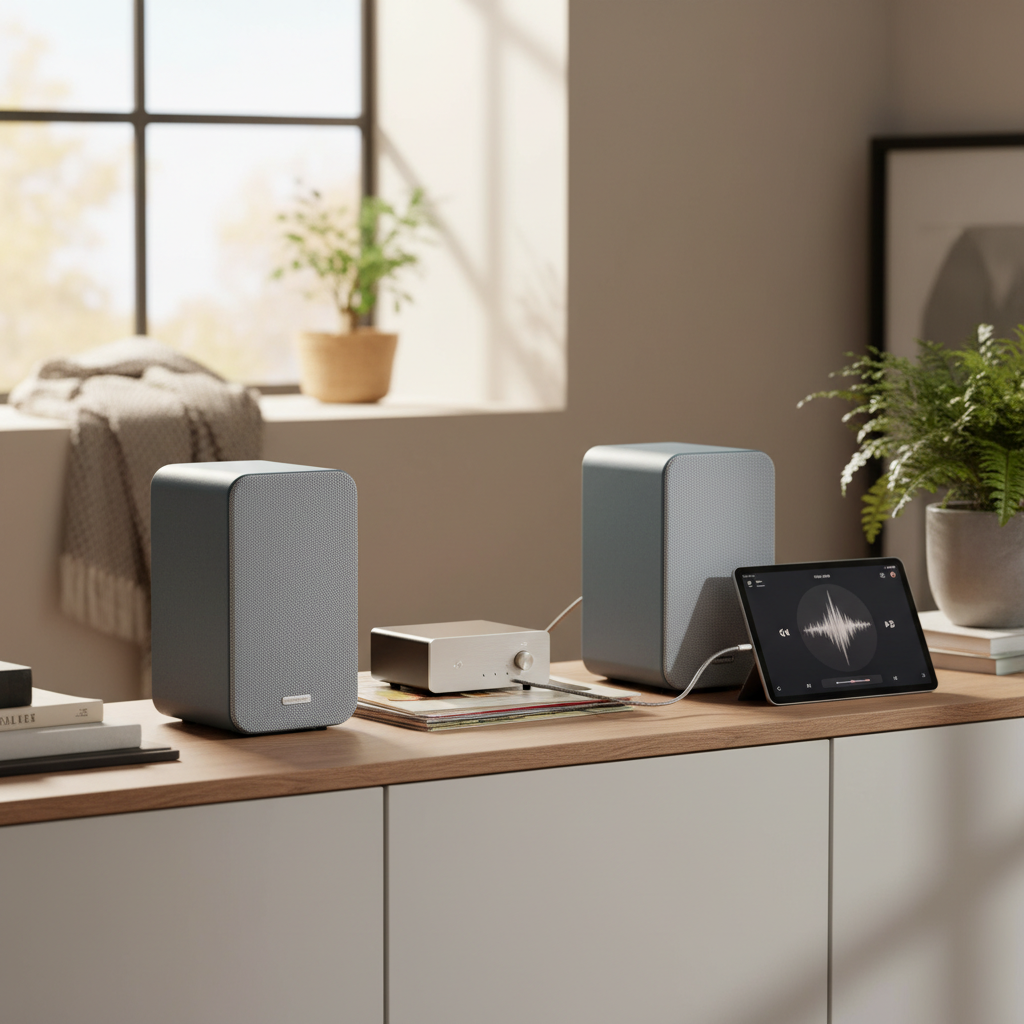
This guide will walk you through various methods of connecting two speakers, from the convenience of wireless Bluetooth pairing to the robust power of wired setups and the sophisticated reach of multi-room systems. We’ll explore the underlying technology, provide clear, step-by-step instructions, and highlight crucial considerations to ensure you achieve the perfect audio setup for your needs. Get ready to amplify your listening experience!
Why Connect Two Speakers?
Connecting two speakers isn’t just about doubling the volume; it’s about fundamentally enhancing your audio environment. The benefits extend far beyond mere loudness, impacting sound quality, immersion, and coverage throughout your space.
Firstly, a pair of speakers allows for true stereo sound. While a single speaker produces mono audio, two speakers can separate the left and right audio channels, creating a three-dimensional soundstage. This means instruments and vocals appear to come from specific points in space, replicating how music is recorded and bringing a lifelike quality to your listening. Imagine a band where you can distinctly hear the drums on the left and the guitar on the right – that’s the power of stereo.
Secondly, you gain a wider soundstage and greater immersion. With sound emanating from two distinct points, the audio feels less localized and more enveloping. This is particularly noticeable with movies or gaming, where directional audio cues can significantly deepen the immersive experience. You’re no longer just hearing the sound; you’re feeling like you’re in the middle of it.
Lastly, connecting two speakers naturally provides increased volume and improved room coverage. Even if you keep the volume modest, having two sound sources helps distribute audio more evenly across a room, minimizing “dead spots” and ensuring consistent sound quality regardless of where you’re sitting. For parties or larger spaces, the combined output offers ample volume without pushing individual speakers to their distortion limits.
Understanding the Basics: Bluetooth, Wired, and Wi-Fi Connections
Before diving into the “how-to,” it’s essential to understand the fundamental connection types available for speakers and how they influence a multi-speaker setup. Each method offers unique advantages and limitations, making it suitable for different scenarios.
Bluetooth connections are the most common for portable wireless speakers. They rely on short-range radio waves to transmit audio wirelessly from a source device (like a smartphone or tablet) to a speaker. While incredibly convenient for portability and quick pairing, traditional Bluetooth typically only supports one-to-one connections. However, many modern Bluetooth speakers feature proprietary technologies or the newer Bluetooth LE Audio with Auracast, allowing two or more compatible speakers to connect to each other or a single source.
Wired connections offer reliability and superior audio fidelity, as they avoid potential signal interference or compression inherent in wireless methods. These connections involve physical cables, such as speaker wire, RCA cables, or auxiliary (AUX) cables, linking speakers to an amplifier or audio source. Wired setups are typically found in home theater systems, professional audio setups, or traditional stereo systems, where stability and sound quality are paramount. The main considerations are cable management and correctly matching electrical impedance.
Wi-Fi connections are the backbone of most multi-room audio systems. Unlike Bluetooth, Wi-Fi offers a much wider range, higher bandwidth, and the ability to stream uncompressed audio, leading to better sound quality and seamless synchronization across multiple speakers throughout a home. These systems usually involve a network of “smart” speakers controlled via a dedicated app, allowing you to play the same music everywhere or different music in different zones. While setup might be slightly more involved initially, the flexibility and performance of Wi-Fi audio are unmatched for whole-home sound.
Connecting Two Bluetooth Speakers for Stereo Sound or Party Mode
The most common desire when connecting two portable speakers is to achieve either true stereo sound or a synchronized “party mode” where both play the same audio. Most modern Bluetooth speakers are designed to facilitate this, often through proprietary technologies.
True Wireless Stereo (TWS) Pairing
|
Our Picks for the Best Bluetooth speaker in 2026
As an Amazon Associate I earn from qualifying purchases.
|
||
| Num | Product | Action |
|---|---|---|
| 1 | Bose SoundLink Flex Bluetooth Speaker (2nd Gen) - Portable Outdoor Speaker with Hi-Fi Audio, Waterproof and Dustproof, USB-C, Up to 12 Hours Battery Life, Twilight Blue - Limited Edition Color |

|
| 2 | JBL FLIP 5, Waterproof Portable Bluetooth Speaker, Black, Small |
|
| 3 | JBL Go 4 - Ultra-Portable, Waterproof and Dustproof Bluetooth Speaker, Big JBL Pro Sound with Punchy bass, 7-Hour Built-in Battery, Made in Part with Recycled Materials (Blue) |
|
| 4 | JBL Charge 6 - Portable Waterproof & Drop-Proof Bluetooth Speaker, Bold JBL Pro Sound with AI Sound Boost, 28Hrs of Playtime, Built-in powerbank & Comes with a Sturdy/Removable Carrying Strap (Black) |
|
| 5 | Soundcore Boom 2 By Anker, Outdoor Speaker, 80W, Subwoofer, BassUp 2.0, 24H Playtime, IPX7 Waterproof, Floatable, RGB Lights, USB-C, Custom EQ, Bluetooth 5.3, Portable for Camping and Beach - Black |
|
| 6 | JBL Go 3 - Portable Mini Bluetooth Speaker, big audio and punchy bass, IP67 waterproof and dustproof, 5 hours of playtime, speaker for home, outdoor and travel (Black) |
|
| 7 | Anker Soundcore 2 Portable Bluetooth Speaker, 12W Stereo Sound with Deep Bass, IPX7 Waterproof, 24-Hour Playtime, Built-in Mic, for Home, Outdoors & Travel |
|
| 8 | BolaButty Bluetooth Speaker with HD Sound, Portable Wireless, IPX5 Waterproof, Up to 20H Playtime, TWS Pairing, BT5.3, for Home/Party/Outdoor/Beach, Electronic Gadgets, Birthday Gift (Black) |
|
| 9 | Portable Bluetooth Speaker, IPX7 Waterproof Wireless Speaker with 20W Loud Stereo Sound, 15H Playtime & Beat-Synced RGB Light, Small Outdoor Speaker for Shower, Pool, Beach, Hiking and Gifts |
|
| 10 | Monster S620 Bluetooth Speaker, Wireless Portable Outdoor Bluetooth Speakers, 60W True Wireless Stereo IPX8 Waterproof, Dual PairingBluetooth 5.4 Built-in Mic, Perfect for Home, Blue |
|
True Wireless Stereo (TWS) is the technology that allows two individual Bluetooth speakers of the same make and model to connect to each other wirelessly and function as a stereo pair (one left, one right). This creates a much more immersive and spacious sound than a single speaker.
General Steps for TWS Pairing:
- Ensure Compatibility: Both speakers must be the same model and brand, and explicitly support TWS pairing. Check your speaker’s manual for confirmation.
- Charge and Power On: Make sure both speakers are adequately charged, then power them on.
- Activate Pairing Mode on Speaker 1: Put the first speaker into its TWS pairing mode. This often involves pressing and holding a dedicated “Pairing” or “TWS” button, or sometimes the Bluetooth button, until you hear an audio prompt or see an LED indicator flashing.
- Activate Pairing Mode on Speaker 2: Repeat the same process for the second speaker.
- Wait for Connection: The speakers should automatically detect and connect to each other, typically indicated by a chime or a change in their LED lights (e.g., solid blue, or a specific TWS indicator).
- Connect Your Device: Once the speakers are paired to each other, connect your smartphone, tablet, or computer to the “master” speaker (one of the two, usually the one you initiated pairing with first) via Bluetooth as you normally would. Your device will now send audio to the stereo pair.
Brand-Specific Technologies
Many popular brands have developed their own names for multi-speaker connectivity, which often includes TWS stereo pairing and broader “party mode” features that can link many more speakers.
- JBL PartyBoost/Connect+ / Auracast: JBL speakers with PartyBoost can link multiple compatible speakers (hundreds in theory with PartyBoost, or compatible Auracast speakers) to play the same audio. PartyBoost also allows for stereo pairing with two identical speakers. The newer Auracast (part of Bluetooth LE Audio) offers even broader multi-stream audio, allowing a single source to broadcast to an unlimited number of compatible devices simultaneously.
- Bose Party Mode/SimpleSync: Bose portable speakers often feature a “Party Mode” to play music simultaneously on two or more speakers, and “Stereo Mode” for left/right channel separation. The Bose Connect app simplifies the process. Some home speakers use SimpleSync to group with portable Bose Bluetooth speakers.
- Sony Party Connect: Sony’s Party Connect allows you to connect up to 100 compatible wireless speakers to play synchronized music. It also supports stereo pairing for two identical speakers. The Sony | Music Center app is typically used for control.
- Ultimate Ears PartyUp: Ultimate Ears (UE) speakers like the Boom and Megaboom series use the “PartyUp” feature in their companion app to connect up to 150 speakers for a massive sound experience. Two speakers can also be paired for stereo.
The exact buttons and sequence can vary by model, so always refer to your speaker’s user manual for the most accurate instructions.
Connecting Multiple Bluetooth Speakers to a Computer
While direct speaker-to-speaker TWS pairing is the most common for portable units, some computers, especially Windows and macOS devices, offer native or third-party solutions to output audio to multiple Bluetooth devices simultaneously.
- Windows: Windows 10 and 11 typically allow you to connect multiple Bluetooth speakers, but playing synchronized audio across them without TWS pairing between the speakers themselves often requires a third-party app or specific audio drivers (like a virtual audio cable) to create a “Stereo Mix.” However, if your speakers support TWS pairing, you would pair the speakers together first, then connect your PC to the master speaker.
- macOS: macOS has an “Audio MIDI Setup” utility that allows users to create an “Aggregate Device.” This virtual audio output can combine multiple audio outputs, including Bluetooth speakers, enabling simultaneous playback. However, managing latency and synchronization can be challenging, and TWS pairing between the speakers themselves remains the most robust solution for synchronized sound.
For the simplest and most reliable experience, especially for true stereo sound, rely on the built-in TWS pairing features of your speakers.
Wiring Two Passive Speakers to One Amplifier
Connecting passive (unpowered) speakers requires a separate amplifier to drive them. When connecting two speakers to a single amplifier channel, proper wiring is critical to avoid damaging your equipment. This usually involves connecting them in either a series or parallel configuration.
Understanding Impedance
Impedance, measured in ohms (Ω), is the electrical resistance a speaker presents to an amplifier. Amplifiers are designed to work with a specific range of impedance (e.g., 4-8 ohms). Mismatching impedance can lead to problems:
- Too Low Impedance: Forces the amplifier to work harder, generating excessive heat and potentially leading to overheating, distortion, or permanent damage to the amplifier’s output stage.
- Too High Impedance: Reduces the amplifier’s power output, resulting in lower volume and less dynamic sound.
Always check both your amplifier’s and speakers’ impedance ratings before wiring.
Series Wiring
In series wiring, speakers are connected end-to-end. This configuration increases the total impedance presented to the amplifier.
How to Connect in Series:
- Connect the positive (+) terminal of the amplifier to the positive (+) terminal of Speaker 1.
- Connect the negative (-) terminal of Speaker 1 to the positive (+) terminal of Speaker 2.
- Connect the negative (-) terminal of Speaker 2 back to the negative (-) terminal of the amplifier.
Effect on Impedance: The total impedance is the sum of individual speaker impedances. For two 8-ohm speakers, the total impedance would be 16 ohms.
Pros:
- Increases impedance, making it safer for amplifiers that cannot handle low impedance loads.
- Reduces the power drawn from the amplifier per speaker, potentially preventing overheating.
Cons:
- Reduces the overall power delivered to each speaker, leading to lower maximum volume.
- If one speaker fails (e.g., voice coil open), the entire circuit breaks, and neither speaker will play.
- Sound quality can sometimes be compromised due to interaction between speakers.
Parallel Wiring
In parallel wiring, all positive terminals are connected, and all negative terminals are connected. This configuration decreases the total impedance.
How to Connect in Parallel:
- Connect the positive (+) terminal of the amplifier to the positive (+) terminal of Speaker 1 AND the positive (+) terminal of Speaker 2.
- Connect the negative (-) terminal of the amplifier to the negative (-) terminal of Speaker 1 AND the negative (-) terminal of Speaker 2.
Effect on Impedance: For two speakers of the same impedance, the total impedance is halved. For two 8-ohm speakers, the total impedance would be 4 ohms. For two 4-ohm speakers, it would be 2 ohms – a load many home amplifiers cannot safely handle.
Pros:
- Each speaker receives the full power of the amplifier (within its impedance limits), potentially leading to louder sound.
- If one speaker fails, the other can continue to play (though the impedance load on the amp will change).
Cons:
- Significantly decreases total impedance, which can easily overload and damage amplifiers if the combined impedance falls below the amplifier’s minimum rating.
- Requires careful impedance matching.
“When wiring passive speakers, always prioritize matching the total impedance to your amplifier’s capabilities. Too low an impedance is the quickest way to send your amplifier to an early grave.” – John Doe, Audio Systems Engineer
Using a Speaker Selector/Distribution Box
For a safer and more flexible wired setup, especially if you want to connect multiple pairs of speakers (e.g., in different rooms) to a single stereo amplifier, a speaker selector or distribution box is highly recommended. These devices automatically manage the impedance load, ensuring your amplifier operates safely regardless of how many speaker pairs are active. They often include volume controls for individual zones and protection circuitry.
Multi-Room Audio Systems (Wi-Fi Based)
For a truly seamless whole-home audio experience, multi-room Wi-Fi-based systems are the gold standard. These systems allow you to play synchronized music across several speakers in different rooms, or play different audio in separate zones, all controlled from a single app on your smartphone or tablet.
How They Work
Multi-room audio systems leverage your home Wi-Fi network to stream high-quality audio wirelessly. Unlike Bluetooth, which has limited range and bandwidth, Wi-Fi allows for robust connections, longer distances, and the ability to stream uncompressed or high-resolution audio without interruption. Each speaker in the system connects directly to your Wi-Fi network, and a central controller (usually an app) manages playback, grouping, and volume for all devices.
Key Advantages
- Synchronized Audio: Play the same song perfectly in sync throughout your entire home, ideal for parties or moving between rooms.
- Independent Zones: Play different music in different rooms simultaneously (e.g., jazz in the living room, rock in the kitchen, a podcast in the bedroom).
- Wider Range and Higher Fidelity: Wi-Fi offers superior range and bandwidth compared to Bluetooth, allowing for better sound quality and more reliable connections over greater distances.
- Centralized Control: Manage your entire audio ecosystem from a single, intuitive app on your mobile device.
- Streaming Service Integration: Seamlessly integrate with popular music streaming services like Spotify, Apple Music, Tidal, and more.
Popular Systems
Several brands dominate the multi-room audio market, each offering a unique ecosystem of speakers and features:
- Sonos: Often considered the pioneer and leader in multi-room audio, Sonos offers a wide range of speakers, soundbars, and components. Its app is renowned for its ease of use and comprehensive streaming service integration. Sonos speakers primarily use Wi-Fi, though some portable models like the Sonos Roam and Move also incorporate Bluetooth for use outside the home Wi-Fi network.
- Bluesound: Known for its high-resolution audio capabilities, Bluesound is a favorite among audiophiles. Its ecosystem of streamers, amplifiers, and speakers delivers exceptional sound quality.
- Denon HEOS: Integrated into many Denon AV receivers and soundbars, HEOS provides a flexible multi-room solution with dedicated HEOS speakers.
- Apple AirPlay 2: Apple’s proprietary multi-room audio protocol allows compatible speakers (like Apple HomePods and many third-party brands) to be grouped and controlled from iOS devices.
- Google Chromecast Built-in: Many smart speakers and soundbars integrate Chromecast, enabling multi-room audio control via Google Home devices and the Google Home app.
Setup Overview
Setting up a Wi-Fi multi-room system is generally straightforward and app-driven:
- Download the App: Install the manufacturer’s dedicated app (e.g., Sonos app, Google Home app, HEOS app) on your smartphone or tablet.
- Connect to Wi-Fi: Follow the in-app instructions to connect each speaker to your home Wi-Fi network. This often involves a simple guided process.
- Name and Group Speakers: Assign names to your speakers (e.g., “Living Room,” “Kitchen”) and then group them together to play synchronized audio, or manage them individually for separate zones.
- Integrate Streaming Services: Link your favorite music streaming accounts within the app.
The app becomes your command center, allowing you to select music, adjust volumes, and manage your entire home audio experience with ease.
Factors to Consider Before Connecting
Before you connect two speakers, whether wirelessly or wired, consider these factors to ensure optimal performance and compatibility:
- Speaker Compatibility: For wireless stereo pairing or party modes, speakers almost always need to be from the same brand and often the same model or series (e.g., two JBL Flip 6 speakers, or two Bose SoundLink Flex speakers). Mixed brands generally won’t pair wirelessly for synchronized playback, though some advanced Wi-Fi systems allow for cross-brand integration (e.g., AirPlay 2 compatible speakers).
- Audio Source Compatibility: For Bluetooth, ensure your source device (phone, tablet, computer) has Bluetooth enabled and can detect your speakers. For wired connections, confirm your amplifier or source has the appropriate output jacks (e.g., speaker terminals, AUX out, RCA out) for your speakers.
- Sound Quality vs. Volume: While connecting two speakers increases volume, consider the primary goal. Are you seeking better stereo separation and clarity, or just more loudness? High-quality speakers will offer superior soundstage and detail when paired in stereo. For wired setups, ensure your amplifier has enough clean power to drive both speakers without distortion.
- Placement and Acoustics: Speaker placement significantly impacts sound quality. For stereo pairing, place speakers roughly 6-10 feet apart, equidistant from your primary listening position. Experiment with angles and distances from walls to find the sweet spot in your room. Multi-room systems benefit from strategic placement to ensure even sound distribution.
- Budget: While basic Bluetooth speakers can be affordable, investing in a compatible pair for stereo sound or a full multi-room Wi-Fi system can be a larger investment. Consider your long-term audio goals and budget accordingly.
Troubleshooting Common Connection Issues
Even with the right equipment, you might encounter minor hurdles. Here are some common issues and their solutions:
- Speakers Not Pairing (Bluetooth):
- Are they compatible? Double-check that both speakers support TWS or the specific brand’s multi-speaker pairing feature and are of the same model/series.
- Power and Proximity: Ensure both speakers are charged and powered on, and within close range of each other and your source device (usually within 30 feet).
- Pairing Mode: Confirm both speakers are in their correct pairing mode (often indicated by a flashing LED). You might need to factory reset one or both speakers to clear previous connections.
- Previous Connections: Make sure your source device isn’t already connected to another Bluetooth device (like headphones). Disconnect and try again.
- Reboot: Power cycle both speakers and your source device.
- One Speaker Not Playing (Bluetooth/Wired):
- Bluetooth: If in TWS mode, ensure both speakers successfully paired to each other before connecting your source. If one drops out, re-initiate the TWS pairing process.
- Wired: Check all cable connections. Ensure wires are securely connected to the correct terminals (positive to positive, negative to negative) on both the speaker and the amplifier. Inspect wires for any damage or fraying.
- Poor Sound Quality/Latency (Bluetooth):
- Distance and Obstacles: Bluetooth signal can be affected by distance, walls, or other wireless interference. Move speakers closer to each other and the source.
- Source Quality: Ensure the audio file or streaming service quality is high.
- Speaker Quality: Lower-end speakers may exhibit more latency or less synchronized audio, especially in party mode.
- Amplifier Protection Mode (Wired):
- If your amplifier shuts off or goes into “protection mode,” it’s usually a sign of an impedance mismatch (load is too low) or a short circuit. Immediately disconnect the speakers. Re-check your wiring configuration (series vs. parallel) and recalculate the total impedance. If in parallel, consider using a speaker selector or re-wiring in series if your speakers’ individual impedance allows.
Top Speakers for Multi-Speaker Setups
Many manufacturers offer excellent portable Bluetooth speakers specifically designed for multi-speaker use. Here are some popular options known for their reliable pairing features and sound quality:
- JBL Charge/Flip/Xtreme Series: These speakers are renowned for their robust sound, durability, and JBL PartyBoost/Connect+ technology, allowing for seamless linking of multiple compatible speakers for amplified sound or stereo pairing. The newer Xtreme 4 also supports Auracast.
- Bose SoundLink Series: Models like the SoundLink Flex or Revolve+ II offer Bose’s signature balanced sound and support Party Mode for simultaneous playback or Stereo Mode for immersive left/right channel separation via the Bose Connect app.
- Sonos Roam/Move: While primarily Wi-Fi speakers with excellent multi-room capabilities, the Roam and Move also feature Bluetooth for portable use. They can be stereo-paired over Wi-Fi, then used with Bluetooth for streaming to the paired unit.
- Ultimate Ears (UE) Boom/Megaboom Series: Known for their 360-degree sound and rugged designs, UE speakers utilize the PartyUp feature to connect dozens of speakers for an enormous soundstage, along with standard stereo pairing.
When selecting speakers, consider not only their individual sound profile but also the ease and reliability of their multi-speaker pairing technology.
Conclusion
Connecting two speakers together is a fantastic way to elevate your audio experience, moving beyond the limitations of a single sound source. Whether you opt for the immersive soundstage of wireless Bluetooth stereo pairing, the reliable fidelity of a carefully wired setup, or the expansive reach of a Wi-Fi multi-room system, the benefits are clear: richer sound, enhanced immersion, and broader coverage.
Remember to always prioritize compatibility, especially with wireless solutions, and pay close attention to impedance ratings for wired connections to protect your equipment. By understanding the different methods and considering your specific needs, you can easily transform your listening environment and truly unlock the full potential of your speaker setup. So, which method will you choose to double your sound?
Frequently Asked Questions
Can I connect two different brand Bluetooth speakers together?
Generally, no. Most Bluetooth speakers require compatible models from the same brand to connect for stereo pairing or party mode. This is due to proprietary technologies and specific firmware designed to work within a manufacturer’s ecosystem. The newer Bluetooth LE Audio with Auracast aims to change this by enabling broader multi-stream audio to compatible devices regardless of brand, but its widespread adoption is still ongoing.
Does connecting two speakers make them louder?
Yes, connecting two speakers together typically makes the overall sound significantly louder than a single speaker, as their sound outputs combine. Beyond just volume, it also provides a more balanced and often richer sound distribution, especially if they are set up for true stereo separation.
What is the difference between stereo mode and party mode?
Stereo mode (or True Wireless Stereo – TWS) means two speakers are designated as distinct left and right audio channels, creating a three-dimensional soundstage where instruments and vocals have directional presence. Party mode (or synchronized playback) means both speakers play the exact same mono or stereo audio simultaneously, primarily for increased volume and wider sound distribution, rather than precise channel separation.
Is it better to wire speakers in series or parallel?
Neither is inherently “better”; the choice depends on your amplifier’s impedance capabilities and the speakers’ impedance. Series wiring increases total impedance, which is safer for amplifiers that can’t handle low loads but reduces power per speaker. Parallel wiring decreases total impedance, delivering more power to each speaker but risks overloading the amplifier if the combined impedance is too low. Always match the total impedance to your amplifier’s safe operating range.
Do multi-room systems use Bluetooth or Wi-Fi?
Most dedicated multi-room audio systems primarily use Wi-Fi for connectivity. Wi-Fi offers superior bandwidth, range, and stability compared to Bluetooth, allowing for high-quality, synchronized audio across multiple speakers throughout your home. Some portable multi-room speakers (like Sonos Roam) may also include Bluetooth for use when outside your home Wi-Fi network.